



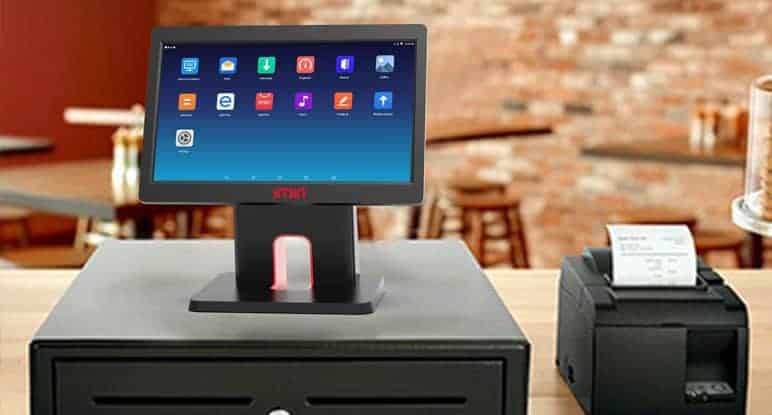
A Desktop POS Machine is a crucial tool for businesses, streamlining sales, managing inventory, and providing insights into customer behavior. However, even the most advanced POS system cannot deliver its full potential if staff are not properly trained to use it. Effective training ensures employees can operate the system efficiently, minimize errors, and provide a seamless experience for customers. Properly trained staff also help businesses maximize their investment in a POS system by leveraging all available features.
Understanding the Importance of Training
Training staff on how to use a desktop POS machine goes beyond teaching basic transaction processing. Employees need to understand how the system integrates with inventory management, customer relationship management (CRM), and reporting tools. A reliable Desktop POS Machine supplier typically provides training resources, including manuals, tutorials, and support services, to ensure staff can learn the system quickly and effectively. Investing in training reduces operational errors, increases productivity, and ensures consistent customer experiences across all staff members.
Structured Onboarding Programs
A structured onboarding program is essential for teaching new employees how to use a desktop POS machine. Onboarding should include an introduction to the system’s interface, key functions, and daily workflows. Employees should practice performing common tasks such as processing sales, handling returns, applying discounts, and managing payment methods. By gradually building familiarity, staff gain confidence and competence in using the system. Including scenario-based exercises in training helps employees prepare for real-life situations, such as processing complex transactions or troubleshooting minor issues.
Role-Specific Training
Different employees may use the POS system in varying capacities, so role-specific training is essential. Cashiers, for example, need to focus on transaction processing and customer service features, while managers require knowledge of reporting, inventory tracking, and multi-terminal management. Role-specific training ensures that employees are proficient in the functions relevant to their responsibilities, reducing errors and optimizing workflow efficiency. Providing training tailored to each role also shortens the learning curve and enhances overall productivity.
Hands-On Practice
Hands-on practice is one of the most effective ways to train staff on desktop POS machines. Allowing employees to work directly with the system under supervision helps them become comfortable navigating the interface, processing transactions, and troubleshooting minor issues. Simulated environments or test modes in the POS system can be used to practice without impacting real sales or inventory data. Hands-on practice reinforces theoretical learning and prepares staff to handle day-to-day operations confidently.
Continuous Learning and Refresher Courses
Training should not be a one-time event. Continuous learning and periodic refresher courses help staff stay up to date with system updates, new features, and best practices. As POS software evolves, refresher courses ensure employees remain proficient and can take advantage of enhanced functionalities. Ongoing training also helps identify gaps in knowledge, correct mistakes, and reinforce consistent use of the system across all employees.
Troubleshooting and Problem-Solving Skills
Training should include basic troubleshooting and problem-solving skills. Staff should be able to identify common issues, such as payment errors, connectivity problems, or receipt printer jams, and know how to respond appropriately. Teaching employees to handle minor problems reduces downtime and ensures smooth operations during busy periods. Additionally, staff should know when to escalate technical issues to management or the supplier’s support team.
Encouraging Confidence and Efficiency
Confidence in using a desktop POS machine translates to faster transaction processing, fewer mistakes, and better customer service. Training programs should emphasize building employee confidence by reinforcing skills and knowledge through practice and feedback. Encouraging staff to ask questions and seek guidance ensures that they feel supported and capable of performing their tasks efficiently. Confident employees are more likely to leverage advanced features of the POS system, maximizing its benefits for the business.
Documentation and Support Resources
Providing accessible documentation and support resources is critical for ongoing staff development. User manuals, quick reference guides, and video tutorials can be invaluable tools for employees to consult when performing unfamiliar tasks or troubleshooting issues. Making these resources available at the point of use allows staff to resolve minor questions independently, reducing reliance on management and maintaining workflow efficiency.
Measuring Training Effectiveness
Evaluating the effectiveness of training programs is essential for continuous improvement. Businesses can monitor employee performance, track transaction accuracy, and gather feedback from staff to identify areas where additional training may be needed. Measuring performance metrics before and after training provides insights into its impact and helps optimize future training sessions.
Conclusion
Training staff to use a desktop POS machine effectively is vital for ensuring operational efficiency, reducing errors, and enhancing the customer experience. Structured onboarding, role-specific training, hands-on practice, continuous learning, troubleshooting skills, and accessible resources all contribute to a well-trained team. By investing in comprehensive POS training programs, businesses can empower employees to maximize system functionality, improve productivity, and support long-term operational success. Properly trained staff not only enhance the performance of the POS system but also contribute to overall business growth and customer satisfaction.